First login
Access the PriApps Admin UI for the first time after installation.
v24.0
Accessing the Admin UI
A shortcut to the Admin UI is placed on the server desktop during installation. Alternatively, open a web browser and navigate to:
http://[your-priapps-server-IP]/PEG/
Default credentials
| Field | Description |
|---|---|
| User ID | admin |
| Password | admin |
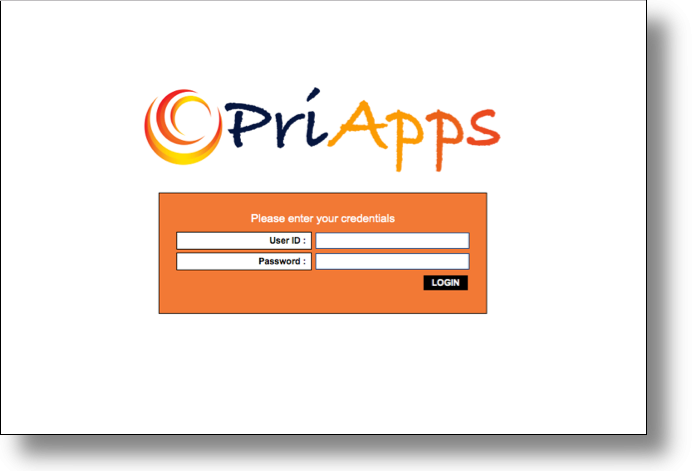
When logging in for the first time, the Licensing dialog will be presented automatically. You must activate a license before proceeding. See Licensing PriApps.
Pop-ups required. The Licensing dialog is displayed as a pop-up window. Ensure pop-ups are allowed for the PriApps Admin UI in your browser settings.