Update license
Update or expand an existing PriApps license, or upgrade from a trial to a full license.
v24.0
If you already have a PriApps installation, it will have a Customer ID and Email Address associated with it. Enter these in the Licensing dialog to view or update your license. Select Update to pull the latest license from the PriApps License Manager, then select Install License.
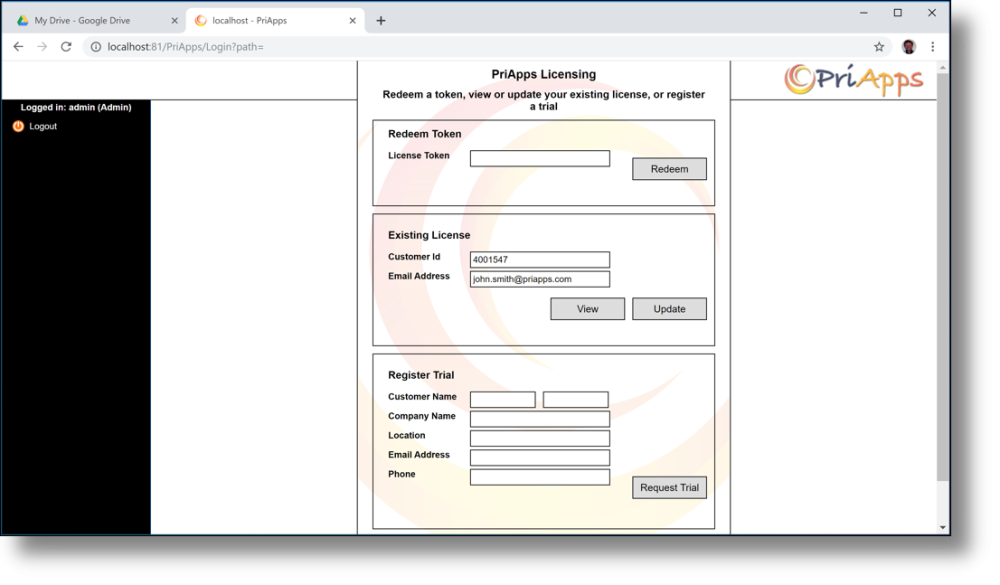
To upgrade a trial license to a full license, follow the same process — your trial Customer ID and email address will be used to locate your account and apply the purchased license.