Searching for users
How to search for users in the PriApps Admin UI.
v24.0
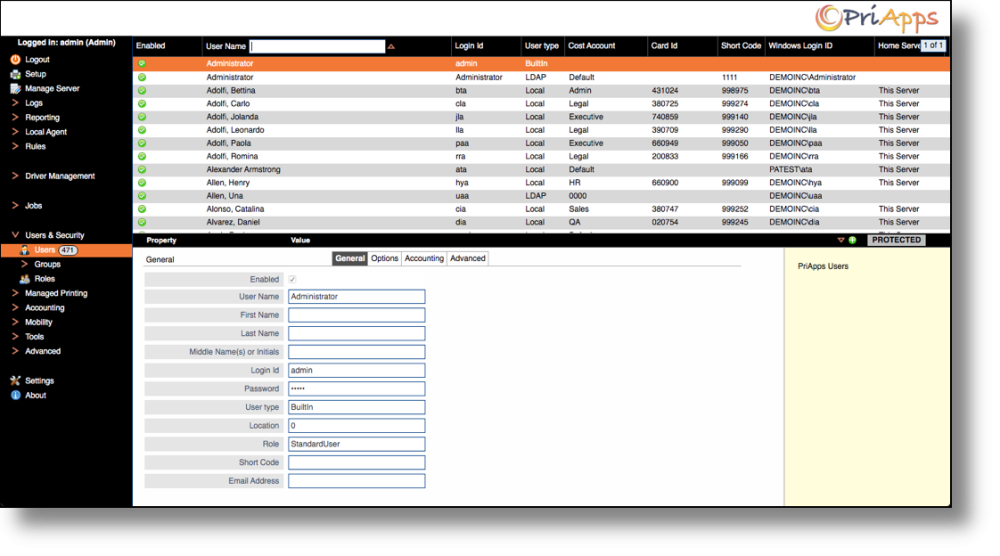
To search for users, click on Users & Security in the main menu, and then select Users.
Next, click to the right of the field name you want to search on — a text entry box will appear. Type your search term and press Enter. The user list will filter to show matching results.