Auto-detect
PriApps can scan your network to discover and automatically configure managed MFPs.
v24.0
Navigate to Printers & MFPs in the Admin UI sidebar and use the auto-detect function. PriApps will scan your network, identify supported MFP platforms, and configure them automatically where possible — applying the correct platform settings, web service ports, and authentication parameters.
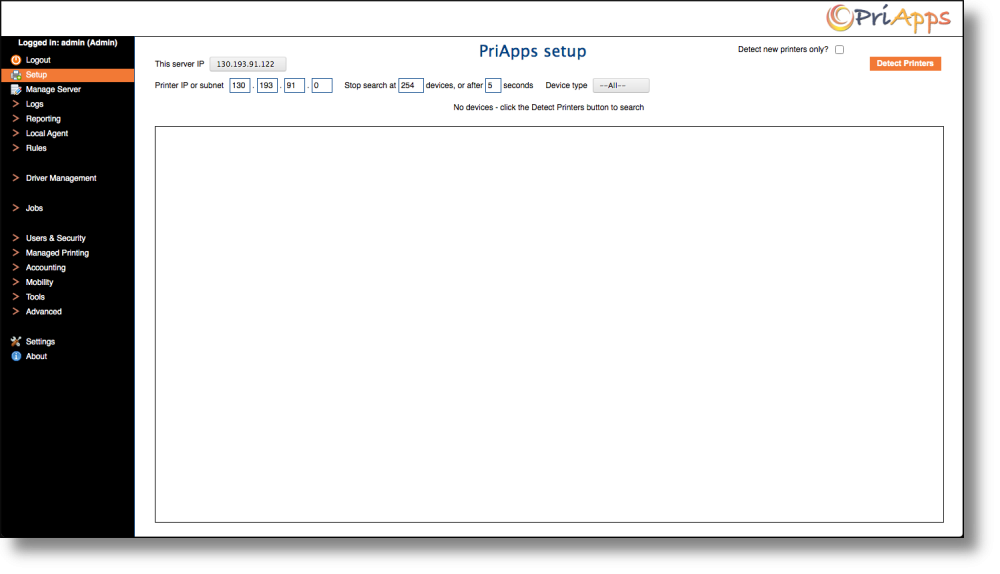
Always run auto-detect first before attempting manual configuration. Most MFPs on the same subnet as the PriApps Application Server will be detected and configured in a single step.
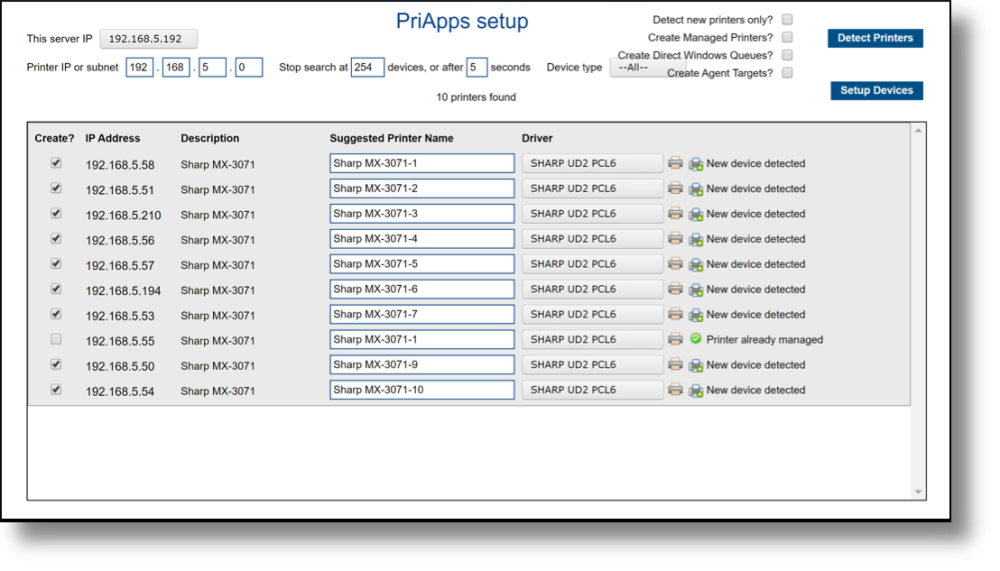
If a device is found but not configured correctly, or if auto-detect cannot reach a device, use manual configuration to set the device-specific parameters.