Admin UI configuration
Add Konica Minolta bizhubs as managed devices in the PriApps Application Server.
v24.0
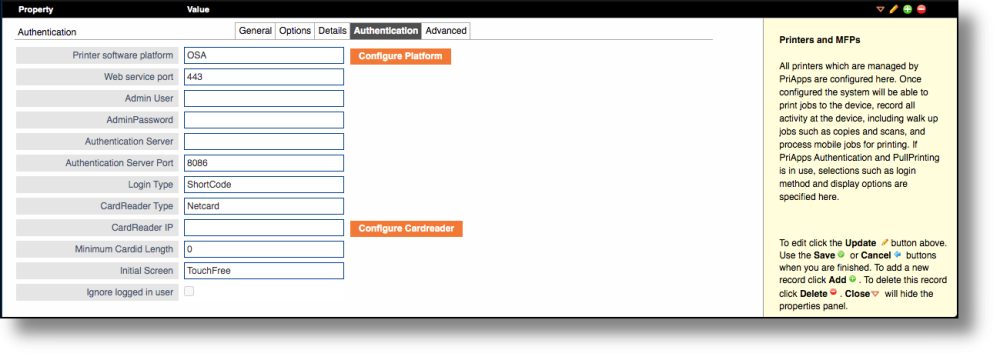
In the PriApps Admin UI, add the bizhub as a managed device. Under the Authentication tab, set Printer Software Platform to bEST. The Login Type setting determines which login screen is shown at the device panel.
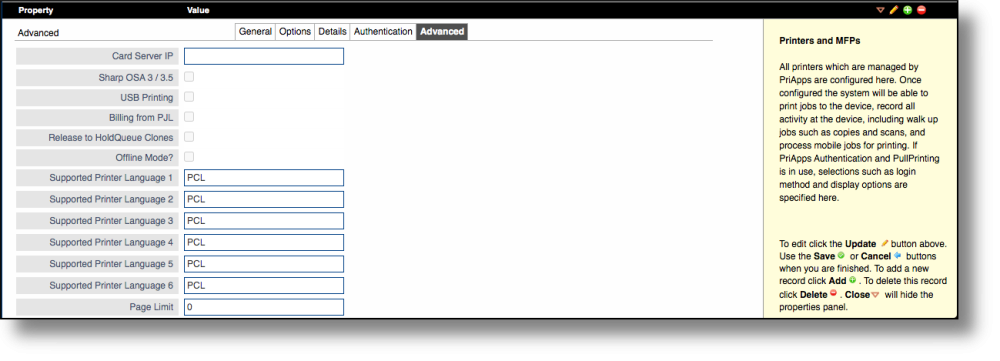
Under the Advanced tab, set Display Width to 800 and Display Height to 460. Set the Intermediate Web Server to the server running IIS with the PriApps KMEAS_WEB application.
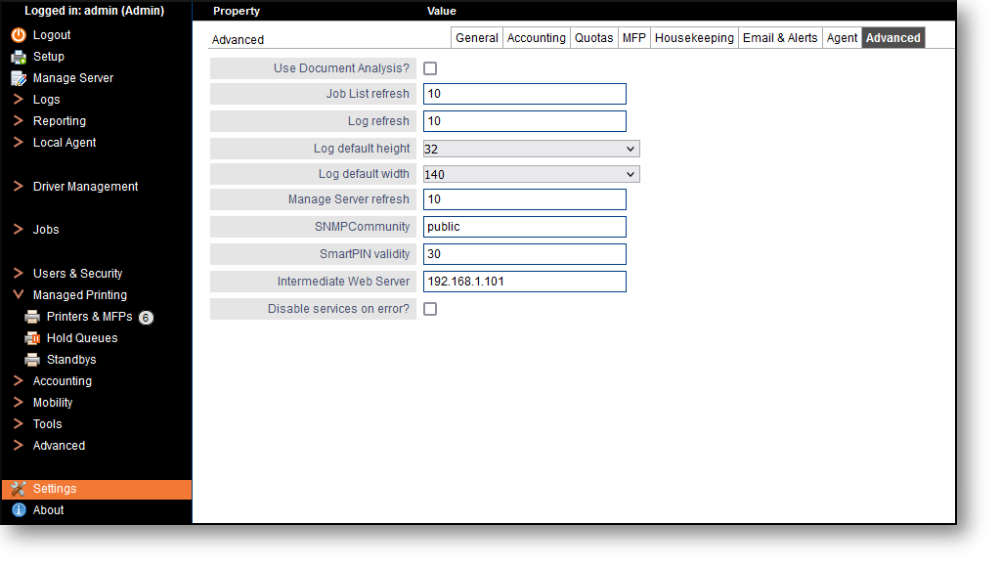
In Settings menu option, under the Advanced tab, the Intermediate Web Server field should be set to the server which is running the IIS hosting the PriApps (KMEAS_WEB) application. It is good practice to include this even if IIS is running on the same server.